We create immersive audio for the way audiences listen nowImmersive audio for the way your audience listens now
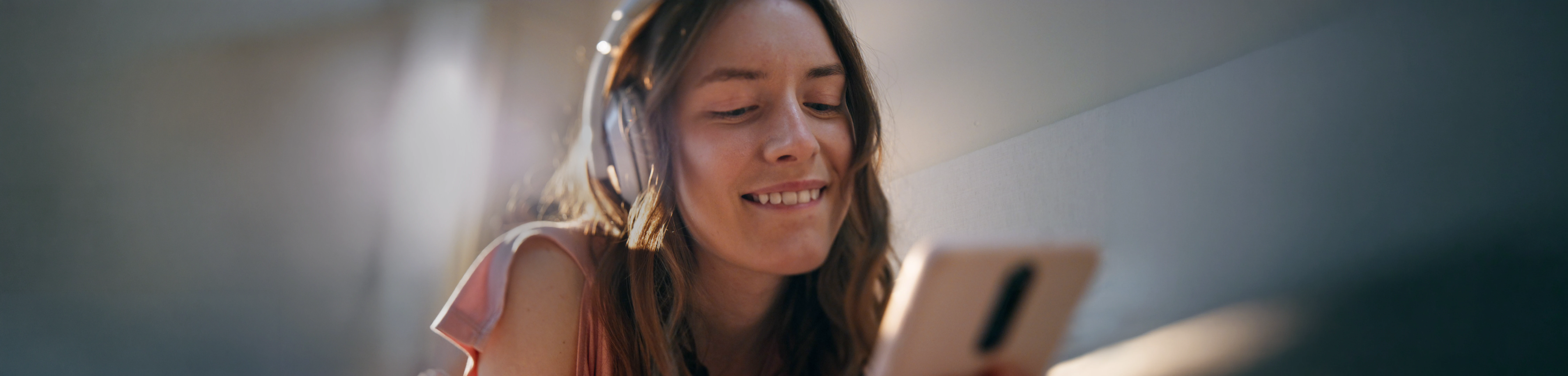
People no longer experience stories only in theaters or living rooms. They watch and listen while traveling, walking, exercising, or lying in bed. Sound can bring your audience closer to performances, emotions, and moments than ever before.
That’s where we bring the story closerThe screen got smaller The experience got bigger
Cinematic sound for storiesImmersion is no longer limited to virtual worlds. We design cinematic audio experiences for vertical series, microdramas, audiobooks, and narrative content.
As entertainment becomes increasingly mobile and headphone-first, we use cinematic sound design and spatial techniques to create depth, movement, and perspective, bringing listeners closer to the story.
Our goal remains the same: To bring your audience deeper into the story
Some stories need an original score. Others need the perfect track, carefully selected and shaped to fit the scene. We create or curate music with the same goal in mind: to support the emotion, rhythm, and cinematic world of the story.Music that feels made for the story
As The Listening Company develops its first original productions, explore selected audio examples that reveal the emotion, space, music, and cinematic detail behind our approach to story-driven content. Listen to the approachHear it in actionheadset
Binaural mixing helps create a more immersive listening experience by shaping sound with greater depth, movement, and perspective.
Instead of feeling limited to left and right, voices, environments and music can feel closer, farther away, or positioned around the listener.
The mix still works beautifully in stereo, while headphones reveal its full depth,
intimacy, and dimension.
2
You will need:
• A computer • USB microphone • Headphones • Google Chrome browser • Internet service
3
Find a quiet place at home with as little echo as possible.
There is no need to worry about other background noise as we have the technology to take care of that.
4
MicTap will email you a link with instructions on how to set up the Chrome browser and connect.
No special software is required.
5
We'll add all parties to the session, and the client will be able to supervise as usual.
6
MicTap will be recording you
at broadcast quality.
7
Contact us if you would like help with your setup.
These early examples are not final productions. They are selected to show our approach to cinematic sound, music, spatial perspective, and emotional storytelling.
For the full experience, we recommend listening on headphones
With PictureAudio Only
2
You will need:
• A computer • USB microphone • Headphones • Google Chrome browser • Internet service
3
Find a quiet place at home with as little echo as possible.
There is no need to worry about other background noise as we have the technology to take care of that.
4
MicTap will email you a link with instructions on how to set up the Chrome browser and connect.
No special software is required.
5
We'll add all parties to the session, and the client will be able to supervise as usual.
6
MicTap will be recording you
at broadcast quality.
7
Contact us if you would like help with your setup.
Explore WRDSMTH on Instagram and visit his website.From the pages of The Holden Age of Hollywood by WRDSMTH, we’re shaping one chapter into a cinematic audio experience.
A Los Angeles–based street artist and author, WRDSMTH is known for his typewriter-style installations and storytelling across public spaces.
2
You will need:
• A computer • USB microphone • Headphones • Google Chrome browser • Internet service
3
Find a quiet place at home with as little echo as possible.
There is no need to worry about other background noise as we have the technology to take care of that.
4
MicTap will email you a link with instructions on how to set up the Chrome browser and connect.
No special software is required.
5
We'll add all parties to the session, and the client will be able to supervise as usual.
6
MicTap will be recording you
at broadcast quality.
7
Contact us if you would like help with your setup.